

Accessibility Testing Program
Learn to test mobile apps for accessibility — hands-on. In two months, you go from the fundamentals to independently testing iOS and Android apps with screen readers, keyboards and text scaling.
▪ 14 hours over 2 months
▪ Online (Google Meet)
▪ English
▪ €1,200 per participant
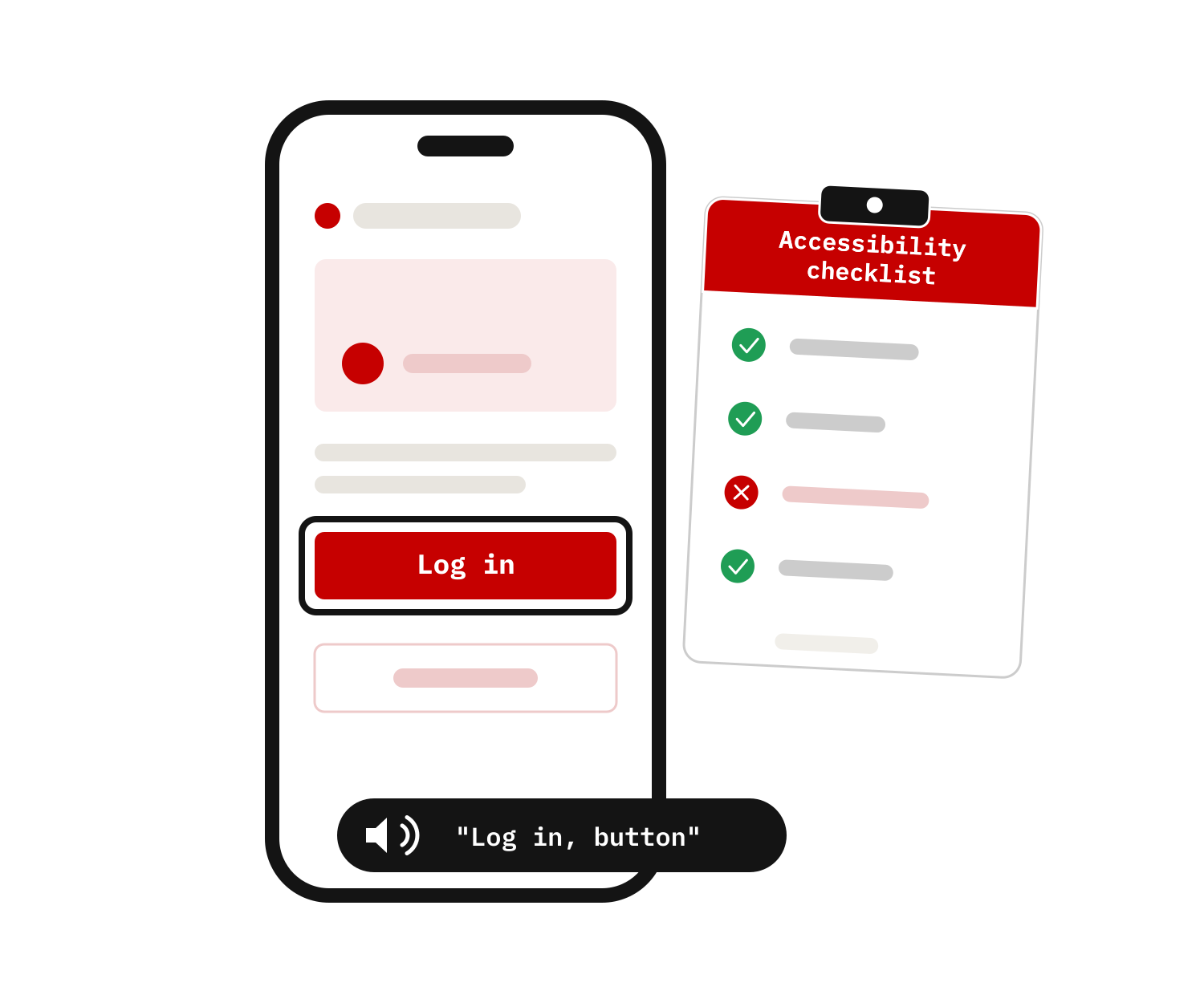
What you will learn
The program combines accessibility fundamentals with practical assignments. Between sessions you work on real apps, with guidance from our trainers.
-

The fundamentals
Understand who you are testing for and which rules apply — the foundation for every finding you report.
- How different limitations affect the user experience of your app
- Why accessibility matters — socially and legally
- The key guidelines and success criteria for mobile apps
-

Hands-on testing
Test real iOS and Android apps with the assistive technologies your users rely on every day.
- Screen readers such as TalkBack and VoiceOver
- Text scaling, external keyboards and contrast tools
- Recognising the most common accessibility issues in apps
-

Reporting
Turn what you find into findings your team can act on — consistent, efficient and against the right criteria.
- Assessing issues against the applicable criteria
- Abra tooling for manual and automated testing
- Documenting findings in a consistent way


How the program works
Six live sessions over two months, with homework assignments in between. Complete the training and pass the quiz to receive proof of participation.
-

Learn to test, step by step
Four sessions take you through the full testing guide — from the fundamentals and visual checks to screen readers, keyboards and automated testing.
-

Practice on real apps
Between sessions you apply what you learned in homework assignments, ending with a full accessibility review of your own.
-

Get feedback and wrap up
In the final sessions we review your test work, give feedback on your approach and reporting, and discuss how to apply it in real projects.


Good to know
-
Who is this for?
Anyone working on mobile apps who wants to learn how accessibility works in practice. No prior accessibility experience required.
- QA and test engineers
- Mobile app developers and designers
- Accessibility specialists
-
Before start
Setup instructions are shared after registration, so you're ready before the first session.
- A MacBook and an iOS or Android device for testing
- An external Bluetooth keyboard (recommended)
- Abra software installed in advance
-
What's included
Everything you need to keep testing after the sessions end.
- Practical exercises and online coaching
- Two months of full access to Abra tooling
- Access to Abra knowledge resources
Would you like to request in-company?
We deliver this program privately for your team, using your own apps as the examples.
Meet your trainers
This training is delivered by the team behind Abra. We started building accessible mobile apps in 2018, founded the Appt Foundation in 2020 to share our knowledge, and have since built a complete ecosystem of accessibility software, consulting and training. We combine strategic advice with hands-on technical expertise.
-
Tanya van Workum
Connect with TanyaCo-owner and Product Owner of Abra. W3C Mobile Accessibility Task Force contributor and senior consultant, helping organisations across Europe improve accessibility strategy, testing, compliance and long-term accessibility maturity.
-
Paul van Workum
Connect with PaulCo-founder, senior accessibility consultant and board member of the Appt Foundation. Paul helps organisations integrate accessibility into their products, development processes and quality assurance.
-

Jan Jaap de Groot
Connect with JJCo-founder, senior accessibility engineer and Chair of the Appt Foundation. JJ leads the W3C Mobile Accessibility Task Force, helping shape global mobile accessibility guidance while building practical solutions for developers.
-

Mike Slinkman
Connect with MikeCo-owner and senior software and accessibility engineer. Mike architects and develops Abra’s testing platform, turning complex accessibility challenges into practical tools for development teams.


Frequently Asked Questions
-
No. The training starts from the fundamentals. Familiarity with mobile apps — as a tester, developer or designer — is enough.
-
Sessions total 14 hours over two months. Between sessions you spend a few hours on practical assignments, at your own pace.
-
Yes — complete the training and pass the quiz to receive proof of participation.
-
Send an email to info@abra.ai and we'll share the dates and details for the next group.
-
€ 1.200 per participant, including two months of access to the Abra ecosystem. For in-company groups, request an offer.
-
Yes. The program also runs in-company, delivered privately for your team and using your own apps as the examples.
Make your app accessible
Join the next group personally, or request an in-company session for your team. We'll get back to you with dates, format and onboarding details.