Blog

Welcome to our blog, we share insights and tips to create accessible apps.

Categories:
Tags:
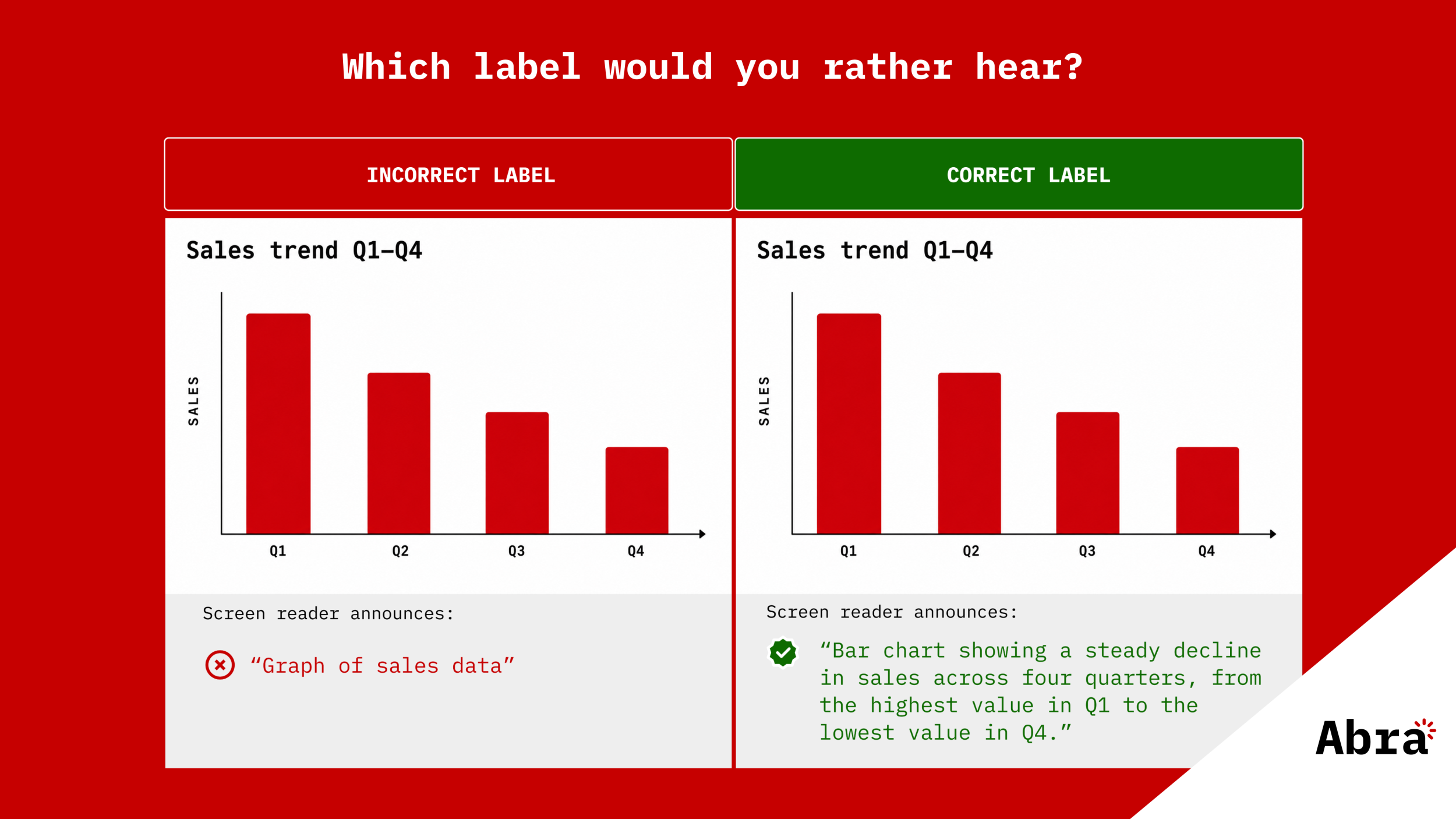
  • Visualization how Spanish app content gets transformed to English screen reader pronounciation, with the text "Abra releases automated checks for accessibility language" below it.anish gets transformed to English screen reader pron

    Abra releases automated checks for accessibility language

    When a screen reader encounters text in your app, it needs to know which language that text is in. With the language declared, the screen reader picks the right text-to-speech engine and applies the right pronunciation rules. Read more »

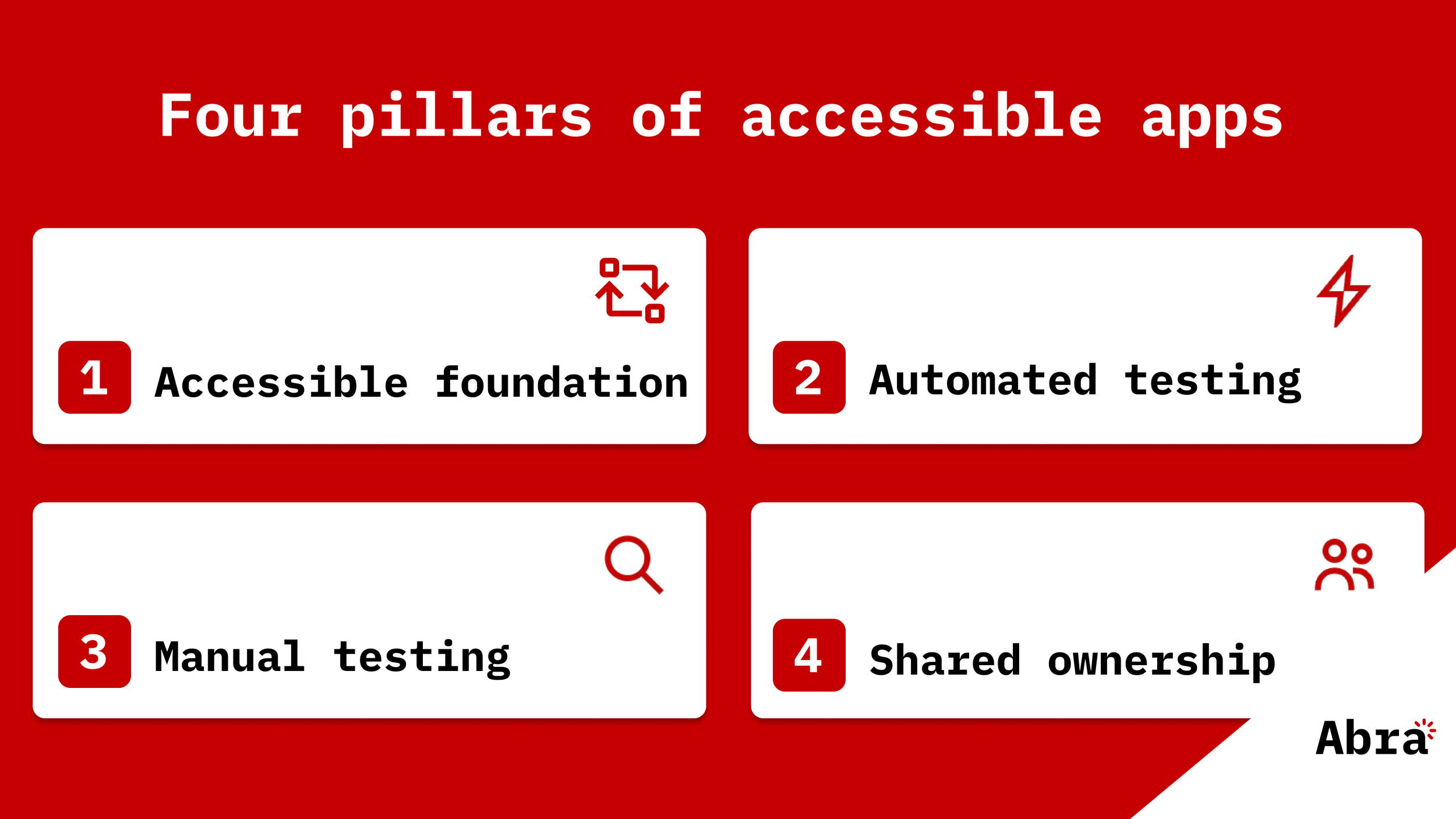
  • Abra SDK code snippet and test results are placed on a red background with the text "Abra releases Abra SDK" and the Abra logo

    Abra releases Abra SDK

    Accessibility shouldn't be an afterthought. It should be part of every build, every test run, every pull request. That's why we're bringing the same test engine that powers Abra Desktop directly into your automated testing pipeline. The Abra SDK is a native SDK for Android and iOS that lets you run accessibility checks right from your existing tests. Read more »

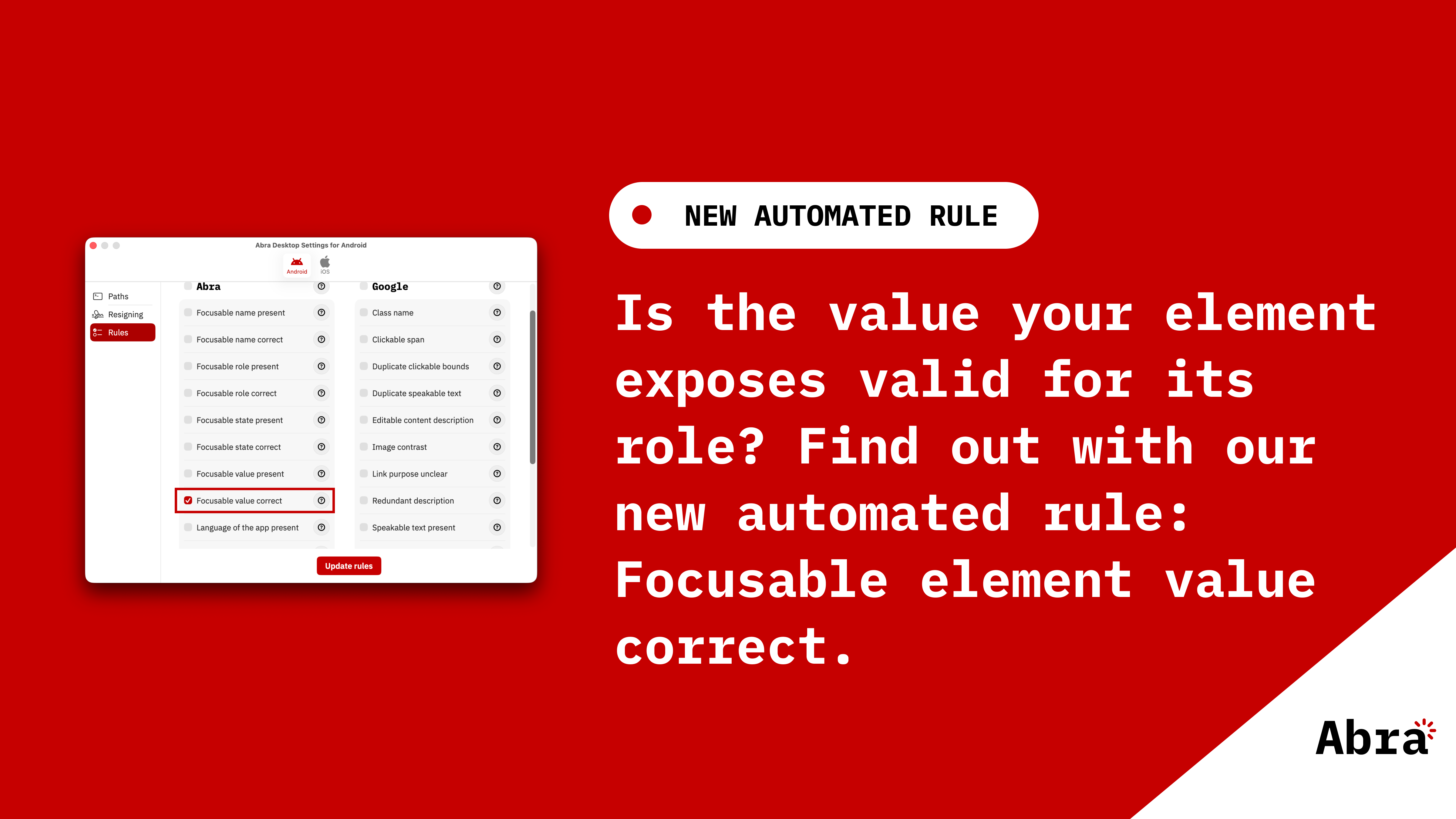
  • Four mobile screens showing Abra's automated accessibility checks for name, role, state, and value. Each screen demonstrates a failing example: a button without a descriptive name (TalkBack announces just "Button"), a Delete account button missing its button role (VoiceOver announces only "Delete account"), a checked checkbox missing its selected state (TalkBack announces "Tick box" without saying "selected"), and a brightness slider at 60% missing its progress value (VoiceOver announces "Brightness, Adjustable" without the percentage). Below the screens, white text on a red background reads "Abra releases automated checks for name, role, state, and value" with the Abra logo.

    Abra releases automated checks for name, role, state and value

    When users navigate an app with a screen reader, every element is announced using a combination of four properties: name, role, state, and value. Read more »

  • Red slide with abra logo and text: The European Accessibility Act: what businesses and app developers need to know

    The European Accessibility Act: what businesses and app developers need to know

    What is the European accessibility act (EAA)?The European accessibility act (EAA) is European-wide legislation designed to ensure digital products and services are accessible to everyone, including people with disabilities. Unlike earlier accessibility directives targeting public sector organisations, the EAA specifically addresses commercial organisations. The EAA applies to products and services. Read more »

  • Alt text: Illustration of a person reading a large open book on a red background with the text “Key mobile app accessibility resources” and the Abra logo in the corner.

    Key mobile app accessibility resources

    Mobile app accessibility can feel overwhelming at first. There are guidelines, laws, platform-specific rules, testing methods, assistive technologies, and countless articles, tools, and opinions. The challenge is not only knowing what accessibility is, but also knowing which resources are truly worth your time. Read more »

  • Red slide with Abra logo and text: Practical guide to mobile accessibility testing

    Practical guide to mobile accessibility testing

    If you are a developer, designer, tester, auditor or any other professional already working on accessibility but unsure how to approach mobile accessibility testing by hand, this guide is for you. Read more »

  • Red background with a circular “IAAP Certified CPACC” badge on the left. On the right are four circular headshots of Abra team members wearing black jackets (top left: Jan Jaap de Groot, top right: Paul van Workum, bottom left: Tanya van Workum, bottom right: Mike Slinkman). The Abra logo appears in the bottom right corner.

    CPACC explained: what it is and how we prepared

    Recently, all four of us passed the CPACC exam and obtained our certification. In this article, we share our experience for people who are preparing for CPACC or considering taking the exam. Read more »

  • Red slide titled “Shift left” showing a horizontal flow: Design → Development → Test → End users. Above Test is Release with a green checkmark. To the right is Audit with a red cross below it. A long arrow at the bottom points left and is labeled “accessibility,” indicating that accessibility should be integrated earlier in the process. Abra logo appears in the bottom right corner.

    Why accessibility must shift left in mobile development

    Accessibility in mobile apps is gradually moving from a niche consideration to a structural requirement. With legislation such as the European Accessibility Act, expectations placed on organisations are changing. Accessibility is no longer only about brand values or corporate responsibility. It is increasingly becoming a legal and organisational obligation. Read more »

  • Red blog banner with the label “New Blog” and the title “Beyond Success Criteria: interoperability, accessibility features and user preferences in EN 301 549 v4.1.0”. On the left, a circular photo shows Jan Jaap de Groot and Tanya van Workum working together at a laptop. Abra logo in the bottom right corner.

    Beyond Success Criteria: interoperability, accessibility features and user preferences in EN 301 549 v4.1.0

    Most discussions about EN 301 549 focus on the Success Criteria. That's understandable, but there are other requirements that matter just as much for mobile applications. Read more »

  • Illustration in Abra style showing a person creating a report, with the text “Generate reports that support progress, not slow it down. With Abra” displayed next to the illustration.

    PDF report generation in Abra Dashboard

    Mobile accessibility audits take time. They require expertise, focus, and attention to detail. But finding accessibility issues is only part of the job. In practice, the most inefficient and time-consuming part of an audit is often something else: reporting. Read more »

  • Image for the Abra Personal Account on a red background. On the left, four cards show the components of the Abra ecosystem: Abra Desktop for testing app accessibility, Abra Dashboard for tracking accessibility progress and managing audit reports, Abra Academy for learning mobile accessibility through e-learning, and Abra Documentation for learning about accessible apps with clear solutions. On the right, large text reads “Abra Personal Account” and “Empowering individual accessibility champions.” The Abra logo appears in the bottom-right corner.

    Abra Personal Account

    At Abra, we work with large organisations every day. Banks, governments, enterprises with multiple teams and complex apps. But accessibility is not something that should live only inside big organisations. Read more »

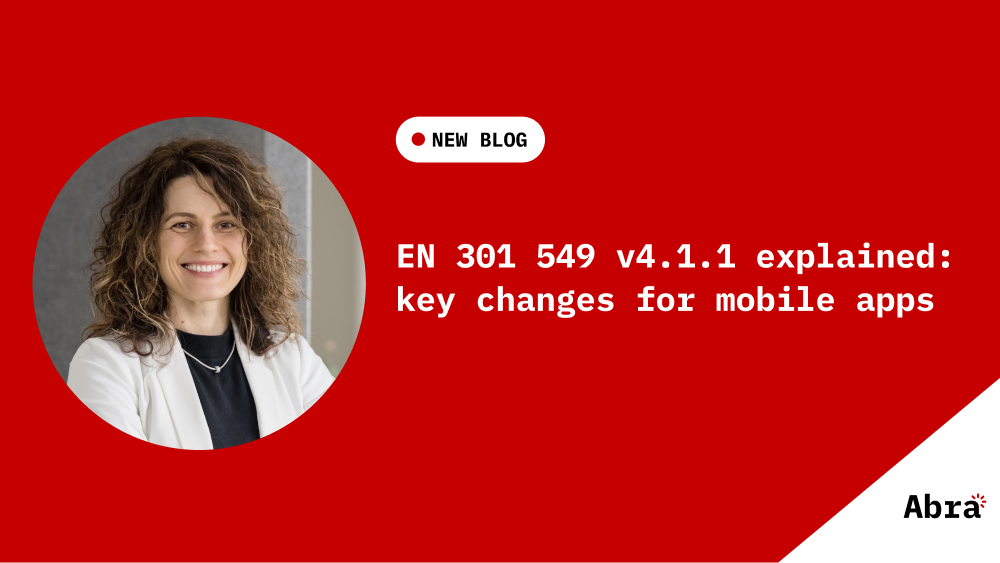
  • Red Abra-branded banner with a portrait of a smiling white woman (Tanya van Workum) on the left and the text ‘NEW BLOG’ and ‘EN 301 549 v4.1.0 explained: key changes for mobile apps’ on the right, with the Abra logo in the bottom corner.

    Mobile app accessibility under EN 301 549 v4.1.0

    EN 301 549 v3.2.1 is the primary harmonised European standard in the European Union for accessibility of ICT products and services. It is aligned with WCAG 2.1 Level AA and applies to websites, mobile applications, non-web software, hardware, and electronic documents. Read more »

  • A smiling Tany wearing a black shirt and white jacket.

    Free Training Testing Accessibility of Apps

    Testing mobile apps for accessibility requires a slightly different approach than testing websites.In this free live session, you’ll learn how to test mobile apps with assistive technologies such as screen readers, external keyboards, and text-scaling — the same tools real users rely on every day. Read more »

  • The isHeading = false property is highlighted in a list of properties, next to the text "Flutter 3.38.0: How an accessibility upgrade broke Android headings"; the Abra logo is placed in the bottom right corner.

    Flutter 3.38.0: How an accessibility upgrade broke Android headings

    During a recent re-audit of one of our client's Flutter applications, we discovered something alarming. Headings were no longer being announced as headings by TalkBack on Android. Read more »

  • Red slide with toothbrush and Abra logo and text: Why Brushing Your Teeth Once a Year Won’t Keep Them Healthy  And why the same goes for mobile app accessibility

    Your app has cavities: what toothbrushing can teach you about accessibility

    What if I told you that brushing your teeth once a year is enough to keep them healthy? You’d laugh - because it’s ridiculous. Yet this is how many organisations treat accessibility. They run one audit, fix a few things, check the compliance box, and forget about it until the next deadline. But just like dental care, accessibility doesn’t work that way. Read more »

  • Red slide with Abra logo and text: What are Accessibility Design Annotations and why do they matter?

    What are Accessibility Design Annotations and why do they matter?

    A designer creates a beautiful interface with accessibility in mind. The designer considered different important aspects like: color contrast, touch target size and a logical focus order. The design gets handed off to development, and weeks later, the finished product launches... only to fail basic accessibility tests. What went wrong? Read more »

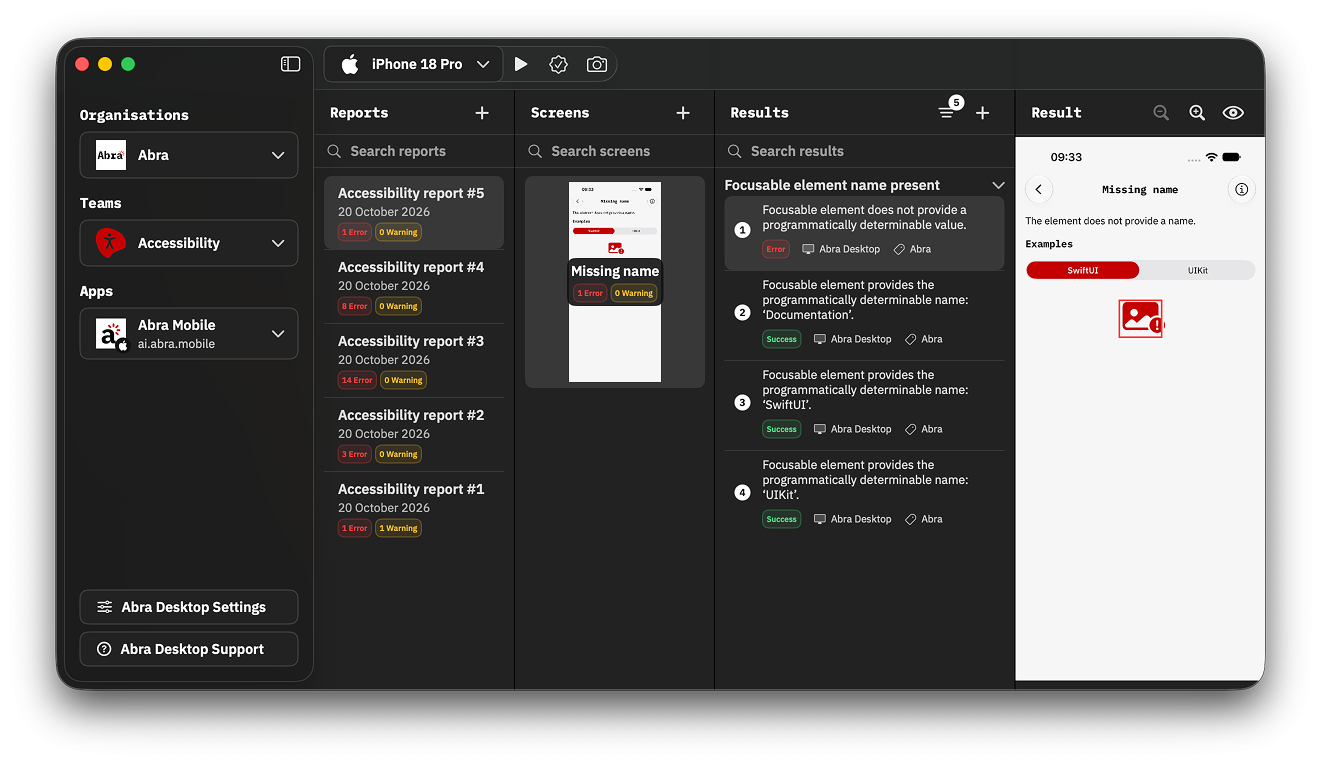
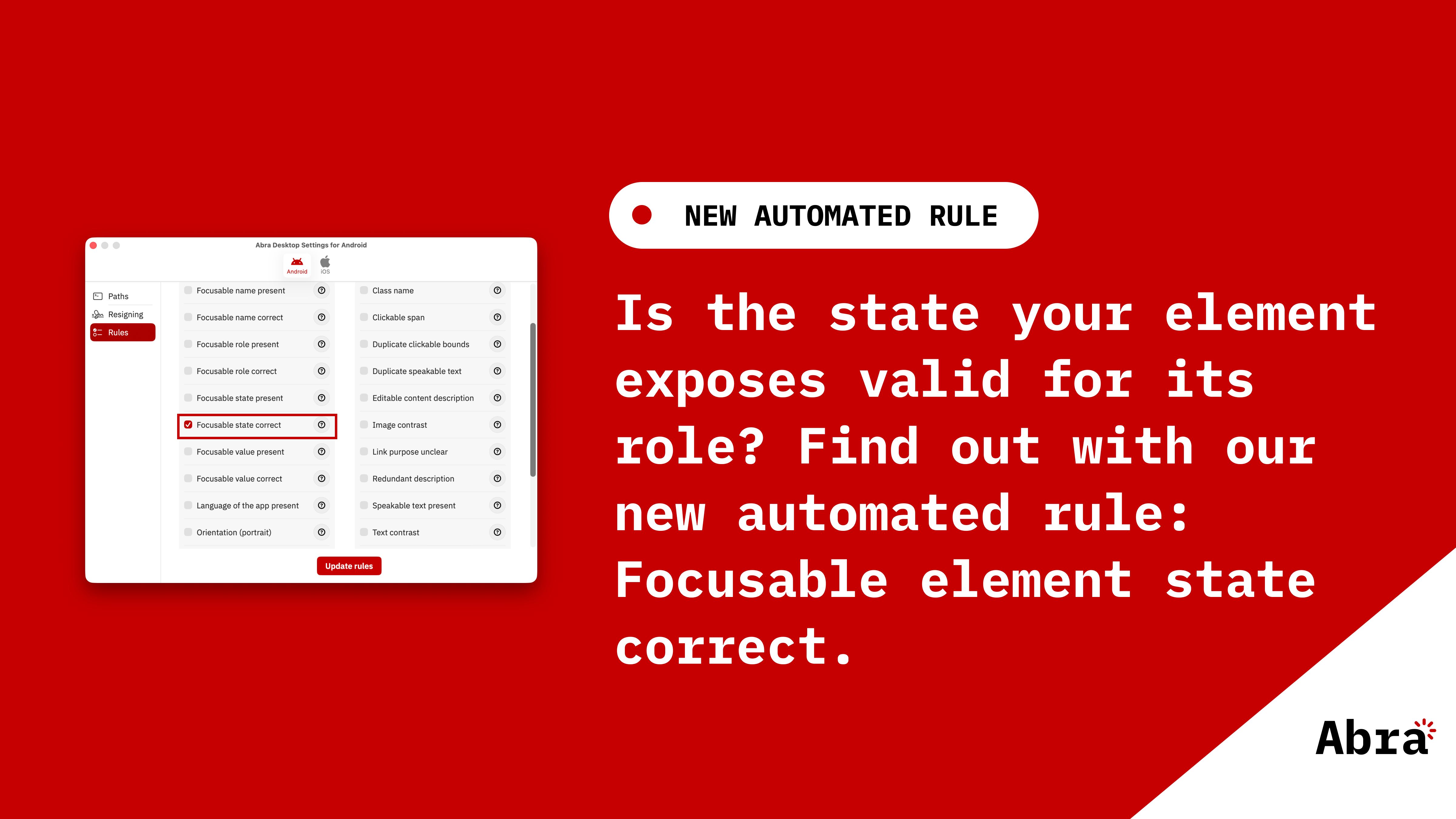
  • Screenshot of Abra Desktop page with the results of interactive name, role, and state automated tests.

    Abra automated rules for accessible name, role, value and state

    We have added 4 new automated rules to Abra Desktop and the Abra SDK: Read more »

  • Macbook with screenshot of Abra Desktop showing snapshot feature of iOS app

    Capture Android and iOS accessibility hierarchy using Abra snapshots

    Browser DevTools make web accessibility inspection easy. Chrome, Firefox, and Safari all let you inspect the accessibility tree of any website. With mobile apps, we don't have that luxury. Read more »

  • A smiling Tany wearing a black shirt and white jacket.

    Free training Testing Accessibility of Apps - 4th December 9:00 CET

    Testing mobile apps for accessibility requires a slightly different approach than testing websites.In this free live session, you’ll learn how to test mobile apps with assistive technologies such as screen readers, external keyboards, and text-scaling — the same tools real users rely on every day. Read more »

  • Flat-style illustration on a white background showing three variations of the same person in Abra’s red and black style. On the left: a person using a wheelchair representing permanent disability. In the middle: the same person with one arm in a sling representing temporary disability. On the right: the same person holding a baby in one arm representing situational disability. Each figure is labeled with the text ‘Permanent’, ‘Temporary’, and ‘Situational’.

    Who gets left behind when apps ignore accessibility?

    We often think of disability as something fixed and distant. But the truth is: we all face limitations, sometimes lifelong, sometimes for a short period, sometimes simply because of the situation we are in. If your mobile app works only for “ideal” users in “ideal” conditions, you will leave many people behind. Read more »

  • Red slide with Abra logo and text: EAA compliance: how to write an Accessibility Statement for your app

    EAA compliance: how to write an Accessibility Statement for your app

    The European Accessibility Act (EAA) is EU-wide legislation designed to make digital products and services accessible to everyone, including people with disabilities. If you provide digital products or services through a mobile app, you need processes and documentation that demonstrate how accessibility is managed and maintained. You can do this with an Accessibility Statement. Read more »

  • On the image in Dutch: The EUOPO European Union Intellectual Property Office. Bureau voor intellectuele eigendom van de Europese unie. Bewijs van inschrijving. Dit inschrijvingsbewijs wordt verstrekt voor het hierna vermelde merk van de Europese Unie. De overeenstemmende gegevens werden in het register van Uniemerken ingeschreven.

    Strengthening the Abra® brand across Europe

    Since Abra® was founded our team of experts have earned a reputation for delivering high quality and driving meaningful impact in the app accessibility space. Now, with our trademark protection extended EU‑wide, Abra® has secured exclusive rights to its name through the EU Intellectual Property Office (EUIPO). Read more »

  • Red slide with Abra logo and text: WCAG2Mobile explained: what the new W3C draft means for mobile accessibility

    WCAG2Mobile explained: what the new W3C draft means for mobile accessibility

    The Mobile Accessibility Task Force (MATF) of the W3C has published a First Draft Note titled “Guidance on Applying WCAG 2.2 to Mobile Applications (WCAG2Mobile)” on 6 May 2025. This draft provides practical, mobile-specific guidance for interpreting WCAG 2.2 in the context of mobile applications, including native mobile apps, mobile web apps and hybrid apps using web components inside native mobile apps. Read more »

  • Abra Documentatiepagina met de regel “Target Size (enhanced)”.

    Automated Abra rules to detect target size have been released

    We’ve added two new automated Abra rules to Abra Desktop: Read more »

  • Screenshot of Abra Desktop showing how to add a result manually

    Introducing semi-automated testing in Abra: combine smart automation with expert knowledge

    At Abra, we believe real progress comes from combining smart automation with in-depth knowledge. That’s why we’ve introduced a powerful new feature in our desktop tool and dashboard: semi-automated testing. Read more »

  • Darice de Cuba gives presentation

    GAAD Meetup recap: how we shape accessibility together

    On 14 May 2025, over 100 professionals gathered in our office in Utrecht for the GAAD Meetup 2025. The event, organised by Abra together with Accessibility Foundation, AccessibleEU, CharissaCheckt, Polteq, Q42 and Swink, marked Global Accessibility Awareness Day with one goal: to share knowledge, inspire action, and prepare for the upcoming European Accessibility Act (EAA). Read more »

  • Overview of Abra Documentation, showing information about the interactive element name correct rule

    Announcing Abra software version 2.0.0

    We're thrilled to announce the biggest update to our products yet! Available starting April 1, 2025 and no, this is not an April Fool's joke! 😉 Read more »

  • Attendees clapping during the presentations

    GAAD Meetup – Putting the European Accessibility Act into Action

    On May 14th, we’re hosting an inspiring and hands-on event to celebrate Global Accessibility Awareness Day (GAAD). With leading accessibility companies, including Abra, Accessibility Foundation, AccessibleEU, Polteq, Q42 and Swink we invite you to join us for an afternoon full of insights, action, and connection. Read more »

  • Screenshot of the Our members page on the W3C website, listing Abra as one of the 352 members

    Abra is now a W3C Member

    Abra has joined the World Wide Web Consortium (W3C) as a Member, advancing from our role as Invited Expert. The membership grants us a stronger voice in shaping standards to improve the accessibility of apps. Read more »

  • Video thumbnail: Often no subtitles for the deaf and hard of hearing.

    Deafblind unmasking of The Mole with AI

    The Mole is a popular TV program where candidates perform tasks together to earn money. However, one of them is the Mole, a saboteur who inconspicuously tries to prevent tasks from succeeding. The others must unmask the saboteur to win the game. Read more »

  • Screenshot of the Abra Academy, showcasing 5 courses and 1 bundle

    Introducing new Abra Academy learning videos

    Two years ago, we launched the Abra Kick-off training, and the response was incredible! Today, we're excited to take the next step by launching more app accessibility courses. Read more »

  • Red slide with Abra logo and text: Flutter technique available to change focus

    Flutter technique available to change focus

    From now on it is possible to change the focus in Flutter. Something that was limiting quite some apps to become accessible. Read more »

  • An overlay highlights a screen that does not support landscape mode on an iPhone

    Automatically test the accessibility of apps using Abra rules

    We are proud to announce that Abra rules are now available in all our products! Read more »

  • Photo of Jan Jaap de Groot at the Information and Press Service, in November 2024

    Jan Jaap de Groot was in Luxembourg last week. He gave a presentation at the GovTech Lab about mobile accessibility. And he was interviewed by his views on mobile accessibility by Dominique Nauroy. Read more »

  • Red slide with Abra logo and text: How to test the accessibility of your app?

    How to test the accessibility of your app?

    There are several ways to test the accessibility of your app, we divide them in three main categories: automated, manual and user testing. Each of these types of tests has thier benefits and limitations. Read more »

  • Red slide with illustration of a mobile device and a girl. Text on the slide: What if you had a limited budget for accessibility?

    What if you had a limited budget for accessibility?

    Imagine you're in charge of making an app accessible, but you have limited time and money. You want to make sure your approach is both smart and efficient. Read more »

  • Tanya and Paul together testing an app

    Wat are the differences between apps?

    At Abra we often get the question: "What is the definition of an app?" or "Is a web app also considered an app?". In this blog we dive into that question. Read more »

  • Abra Automated app accessibility testing

    Abra software has launched!

    We are proud to announce that Abra Desktop, Abra Dashboard and Abra Academy are now available! Read more »

  • On stage, a big screen displays that Jan Jaap de Groot is the gold winner in the Best in Tech category at the Dutch Interactive Awards

    Abra wins Best in Tech award

    The Dutch Interactive Awards (DIA) are the prizes for the very best interactive work by Dutch makers. The best professionals in the field have a chance to win a DIA PRO. Read more »

  • A Macbook screen displays a website titled "A guide for making apps accessible" with statistics on app accessibility for iOS and Android.

    Abra celebrates new Appt website and handbook

    In celebration of Global Accessibility Awareness Day (GAAD), we are excited to share the new Appt website and the new Appt accessibility handbook. These resources make it easier to make apps accessible. Abra is proud to have sponsored and contributed to these projects. Read more »

  • Mike Slinkman standing in front of a light background

    New co-owner Mike Slinkman strengthens Abra

    Building accessible websites. That's the passion of developer Mike Slinkman (31). As the new co-owner of Abra B.V., he complements co-founders Jan Jaap de Groot and Paul van Workum. Get to know Mike and be the first to peek into his future plans. Read more »

  • Interface of Abra Desktop, showing test results and a device dropdown

    Abra releases Abra Desktop Beta

    Abra proudly announces the beta launch of Abra Desktop. This innovative product empowers teams to automatically check the accessibility of their apps. It's a significant step towards Abra's mission of ensuring apps are accessible for everyone. Read more »

  • Tanya van Workum standing in an office with an industrial look

    New co-owner Tanya van Workum strengthens Abra

    Tanya van Workum had been involved with Abra since the start of Abra. As Paul’s partner she has been a sparring partner since the beginning and works for Abra on a project basis. Until recently, this was always in the background. Read more »

  • Marin Rombouts stands in the studio holding the trophy after winning the 21st season of "De Slimste Mens"

    Prioritizing accessibility in "The Smartest at Home" app

    On July 31st, it's happening. Loyal viewers of De Slimste Mens ("The Smartest Person") already have the start of the new season marked in their calendars. The app of this popular quiz has been a big success among avid players for years. Up until now, the game in this app could only be played individually against each other or the computer. Read more »

  • The Abra Accessibility Award is made of glass with a red border

    DICTU: "We now look at accessibility through a different lens"

    DICTU is one of the major service providers in the field of ICT within the Dutch government. Other organizations within the government enlist the services of DICTU for various ICT matters. DICTU consists of different departments, including Web & App Services. This department develops and manages websites and apps for the Dutch government. Gerbrant van den Hengel, as a product owner, shares responsibility for the development of various apps at DICTU. The connection with Abra was established a few years ago. Read more »

  • Red slide with text: Measuring app accessibility maturity

    Measuring app accessibility maturity

    To meet the legal requirements of digital accessibility, apps need to be accessible for everyone, including people with disabilities. In Europe these are the EAA requirements. What this means, and how to achieve this as an organization, is often less clear. Read more »

  • The Abra Accessibility Award for the DigiHandig app and several books on software development.

    DigiHandig app made fully accessible with the help of Abra

    Kristel Thieme of New Future Lab is one of the founders of DigiHandig. "In the Netherlands, almost 4 million people are not fully participating in the digital society. That is a huge challenge. Together with Game Tailors and the Ministry of the Interior and Kingdom Relations, we developed a tool to train digital skills in a fun and efficient way." Read more »