

Co-creating the IAAP mobile course
Mobile apps are where people bank, travel, shop and identify themselves. Yet most accessibility training still starts from the web. Mark Steadman of Steady Accessibility and Paul van Workum of Abra co-created a self-paced course on mobile app accessibility together with the International Association of Accessibility Professionals (IAAP). It is free for IAAP members, and you can earn an IAAP digital badge by passing the knowledge test at the end.
The goal: close the mobile knowledge gap
Accessibility isn't a niche. Research by Stichting Appt among 6 million Dutch app users shows that almost half have at least one accessibility setting turned on, and about 20% use two or more. Worldwide, more than a billion people live with a disability.
Most accessibility knowledge is built around websites. WCAG techniques assume HTML, a browser and a mouse or keyboard. On a phone you deal with touch, small screens, orientation changes, sensors, and more than 100 accessibility settings that differ between iOS and Android. Experienced web experts often don't know where to start with an app. App developers, on the other hand, often know apps inside out but not accessibility and WCAG.
That is the gap we wanted to close. The course is written for two groups:
Accessibility experts who want to learn what is different about native mobile apps
App builders who want to learn about accessibility: developers, designers, testers and product managers
No prior knowledge is needed. If you already work in app accessibility every day, you will know most of the content. For everyone else, it is a fast track to a solid foundation.
 The process: two continents, one course
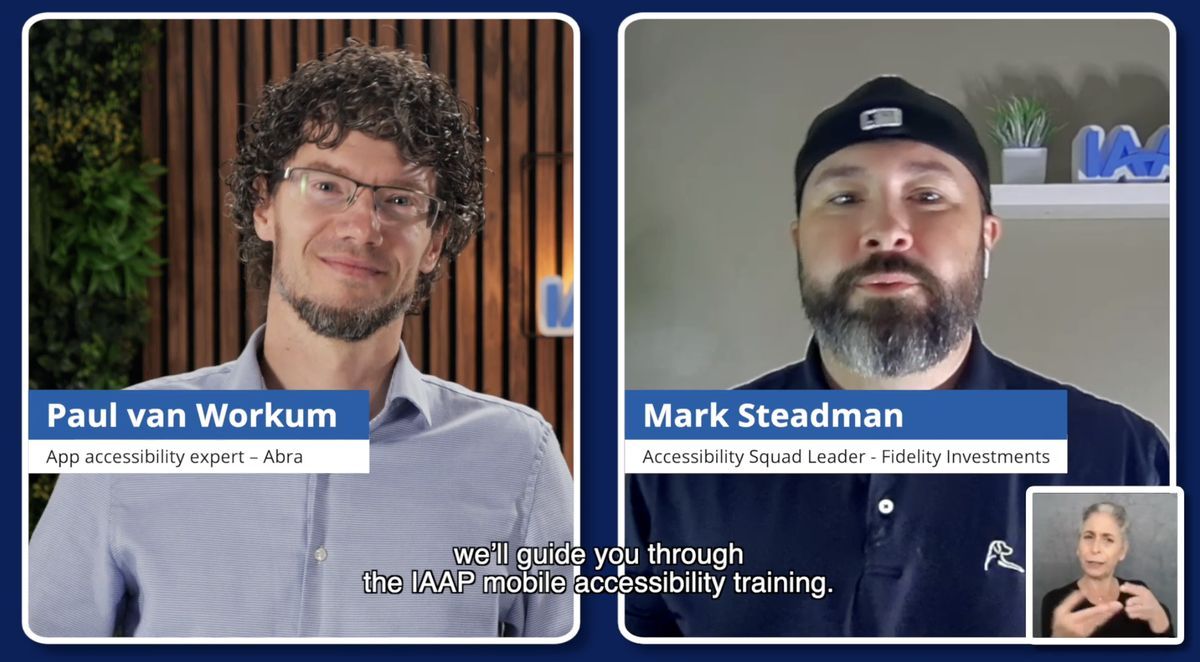
The course was built by a small project team: Mark Steadman and Paul van Workum created the content and presented it. Mark is based in the United States and Paul in the Netherlands. That mix turned out to be a strength. Mark brought the US perspective on the ADA and Section 508, Paul the European view on the EAA, EN 301 549 and the work of the Appt foundation.
First version. Mark and Paul wrote the outline and the first version of the content: platforms, disabilities, assistive technology, legislation, gaps and practical guidance per role.
Expert review. A team of mobile accessibility experts reviewed the material and challenged our assumptions. Thank you Robin Kanatzar, Ben Ogilvie, Rob Whitaker, Daniel Devesa Derksen-Staats, and Jan Jaap de Groot and Tanya van Workum.
Presentation. We turned the reviewed content into a presentation with presenter notes and further reading for every topic.
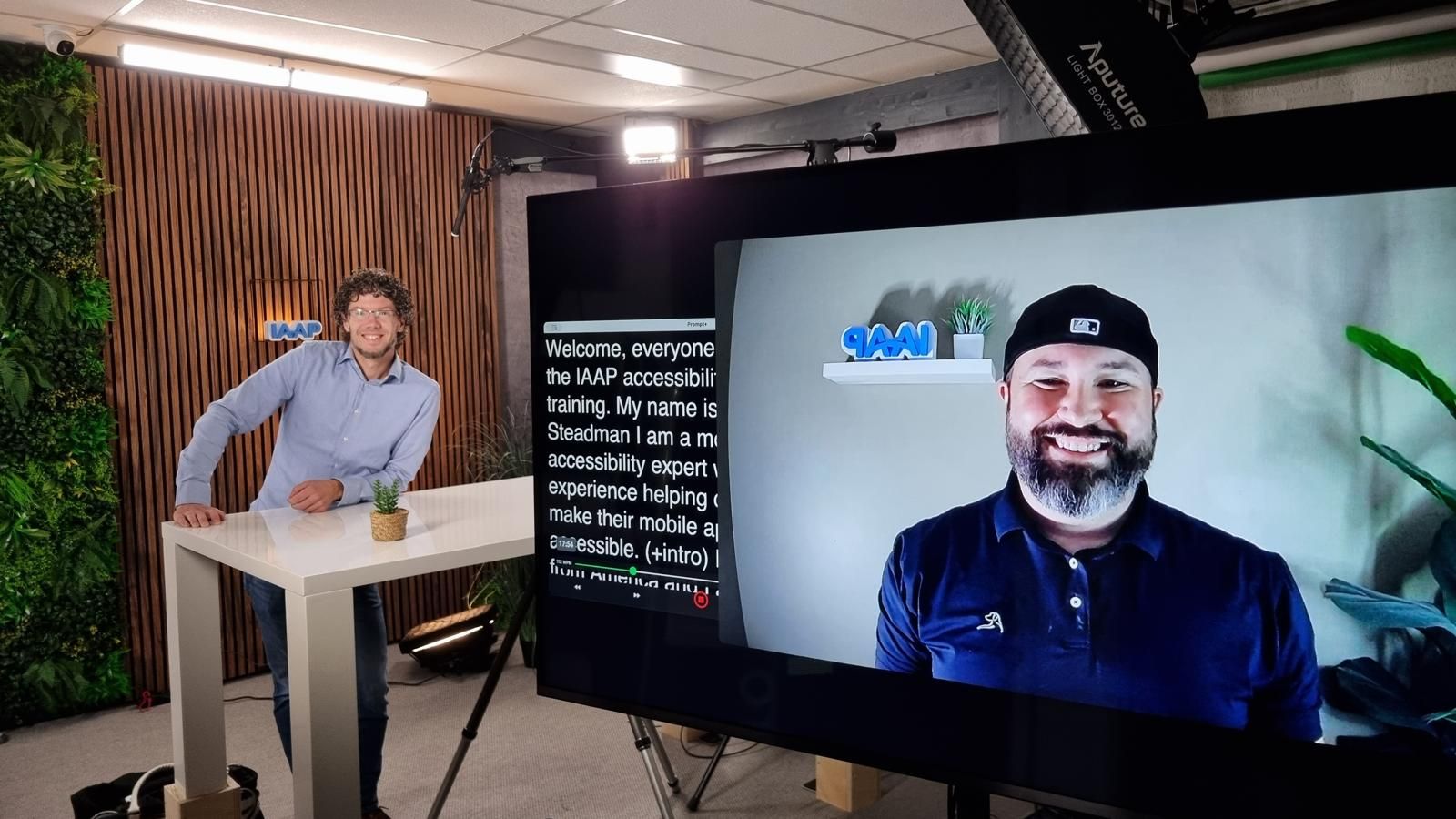
Recording. We recorded the course with Bas van den Ing of Elevator Productions, with IAAP branding. Paul was in the studio in the Netherlands, while Mark joined via a live stream from the US.
Editing. The videos were edited and made accessible by IAAP, with captions, ASL and transcripts and turned into a full e-learning.
 The result: a self-paced course
The result is a self-paced video course on the IAAP learning platform. In about two hours you go through:
Platforms: iOS vs. Android, and why mobile is not the same as desktop and web
Types of apps: native, hybrid, cross-platform and web apps, and why your choice sets the accessibility ceiling
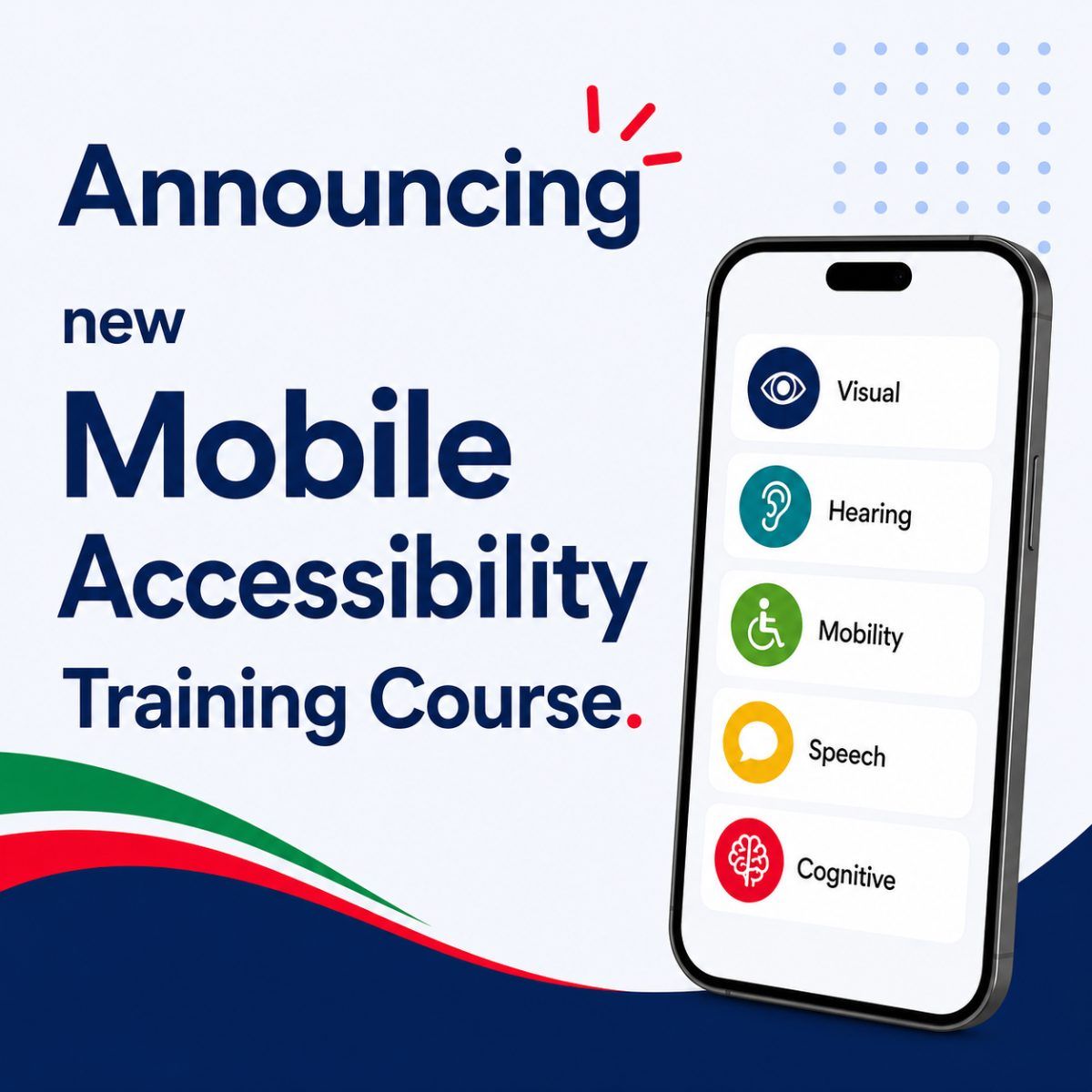
Disabilities: visual, hearing, mobility, speech and cognitive, including permanent, temporary and situational impairments and the impact of aging
Assistive technology and accessibility settings: screen readers, voice control, switch control, external keyboards, text scaling and high contrast
Legislation and guidelines: ADA, Section 508, the EAA, EN 301 549 and the Web Accessibility Directive
Gaps: where WCAG stops short for native apps, and how the W3C Mobile Accessibility Task Force is filling them
Practical guidance: best practices and tools for designers, developers and testers, and how to grow your accessibility maturity
You will understand what makes app accessibility different, how people with disabilities use their phones, and where to find in-depth mobile guidance.
 Start the course
The course is free for IAAP members. Non-members can follow it for a fee. Log in to the IAAP learning portal and look for the mobile app accessibility course. Not a member yet? This is a good reason to join.
Why we did this, and how Abra can help
At Abra, our mission is to inspire, guide and enable organizations that build apps to make them accessible. Our ambition is to help make every app in the world accessible. Sharing knowledge is a big part of that, which is why we also co-founded the Appt Foundation and facilitate the W3C Mobile Accessibility Task Force. This course is another step.
Finished the course and ready for the next step? There are several ways we can help:
Knowledge: our knowledge hub picks up where the course ends, with tracks on the basics, the EAA, standards such as WCAG2Mobile and EN 301 549, testing, and embedding accessibility in your organization. A good next read is testing mobile apps by method. The Appt platform adds a free handbook and hundreds of code examples for iOS, Android and cross-platform frameworks.
Events: join one of our live sessions and events, such as the free monthly online session "Testing mobile apps for accessibility". Want to go deeper? Abra Academy offers e-learning for designers, developers and testers, and we also run in-company trainings.
Testing: our tools make app accessibility testing faster and more consistent.
Abra Desktop: connect an iOS or Android device to your Mac and scan any installed app for issues like missing labels, wrong roles and small touch targets. No source code needed.
Abra SDK: add automated accessibility checks to your XCUITest and Espresso tests and run them in your CI pipeline. Works with SwiftUI, Jetpack Compose, Flutter, React Native and .NET MAUI.
Free check: curious how accessible your app is today? Request a free accessibility check.
Accessibility is a journey. Start with the course, test your app with a screen reader, larger text and an external keyboard, and share what you learn.
Further reading
-
Introducing new Abra Academy learning videos
Two years ago, we launched the Abra Kick-off training, and the response was incredible! Today, we're excited to take the next step by launching more app accessibility courses. Read more »
-
5 lessons organisations learned since the European Accessibility Act became enforceable
On 28 June 2025, the European Accessibility Act (EAA) became enforceable across the European Union. Read more »
-
Abra releases Abra SDK
Accessibility shouldn't be an afterthought. It should be part of every build, every test run, every pull request. That's why we're bringing the same test engine that powers Abra Desktop directly into your automated testing pipeline. The Abra SDK is a native SDK for Android and iOS that lets you run accessibility checks right from your existing tests. Read more »