

Blog
Welcome to our blog, we share insights and tips to create accessible apps.
-
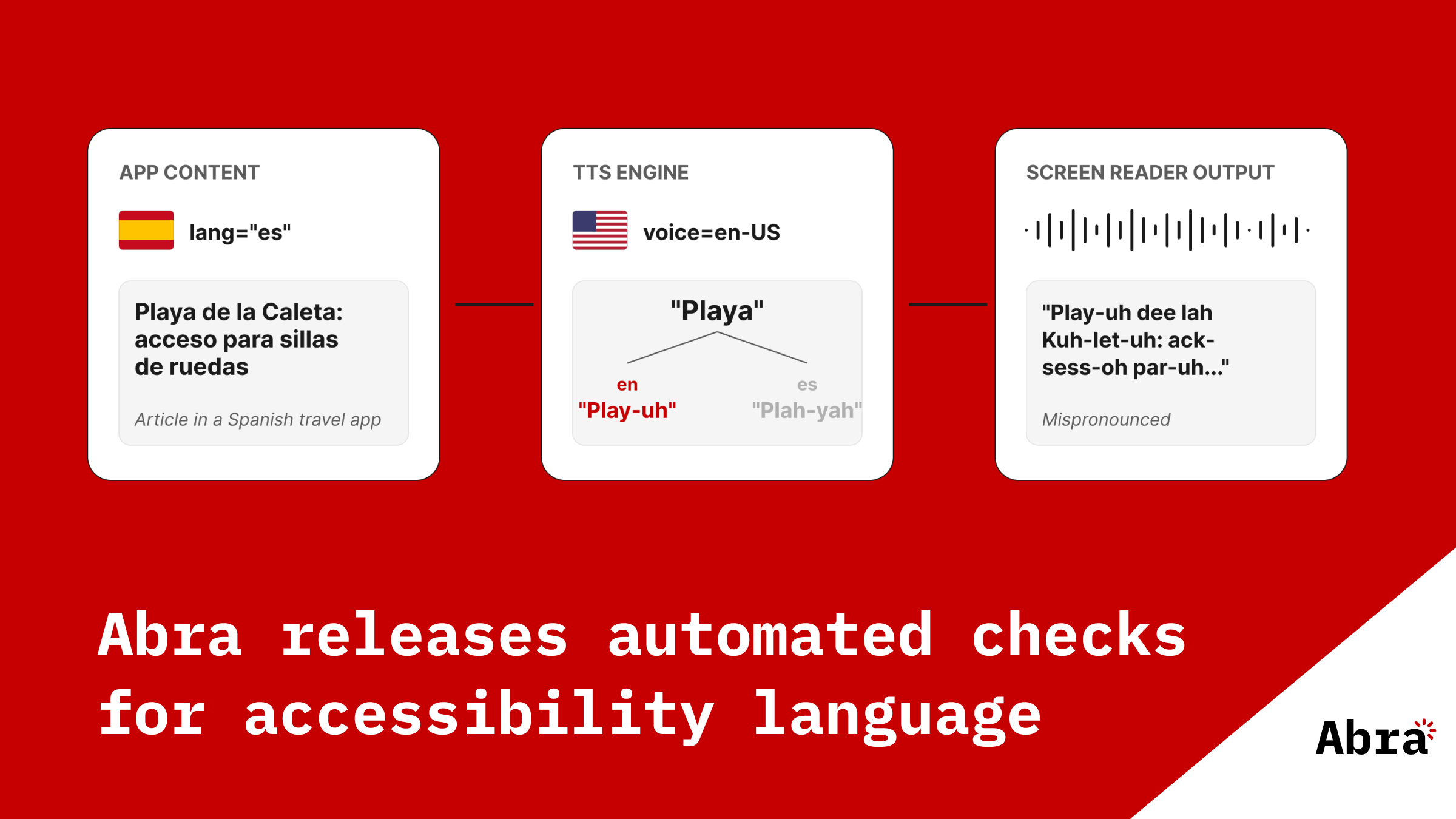
Abra releases automated checks for accessibility language
When a screen reader encounters text in your app, it needs to know which language that text is in. With the language declared, the screen reader picks the right text-to-speech engine and applies the right pronunciation rules. Read more »
-
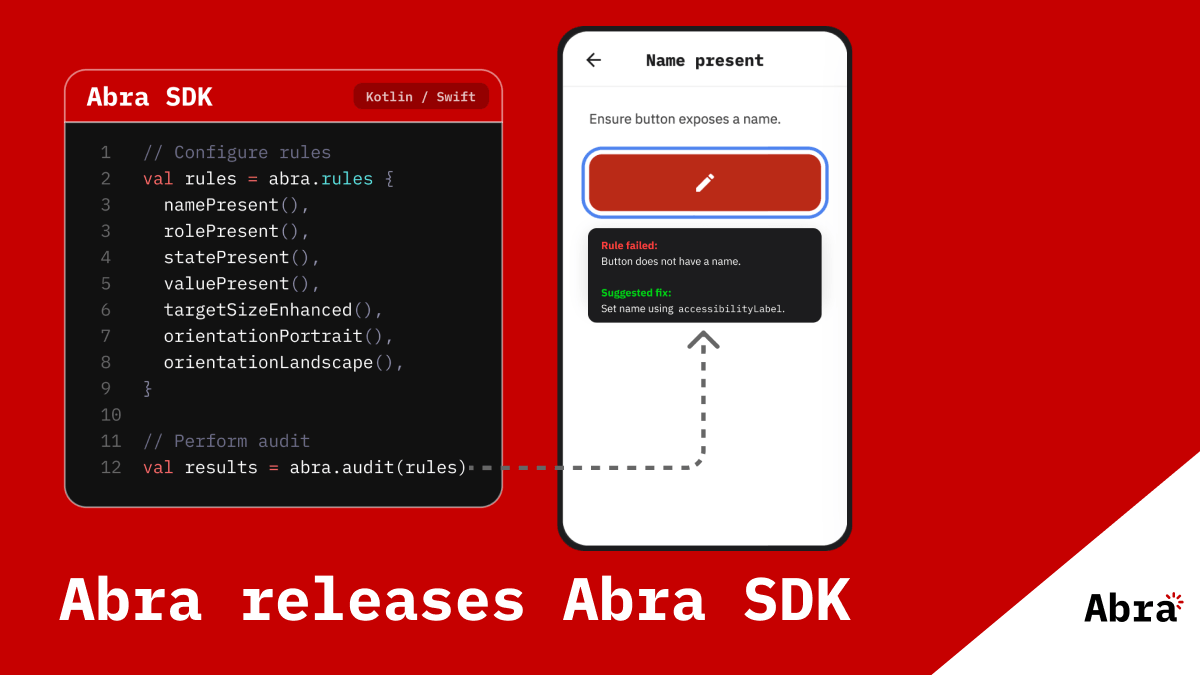
Abra releases Abra SDK
Accessibility shouldn't be an afterthought. It should be part of every build, every test run, every pull request. That's why we're bringing the same test engine that powers Abra Desktop directly into your automated testing pipeline. The Abra SDK is a native SDK for Android and iOS that lets you run accessibility checks right from your existing tests. Read more »
-
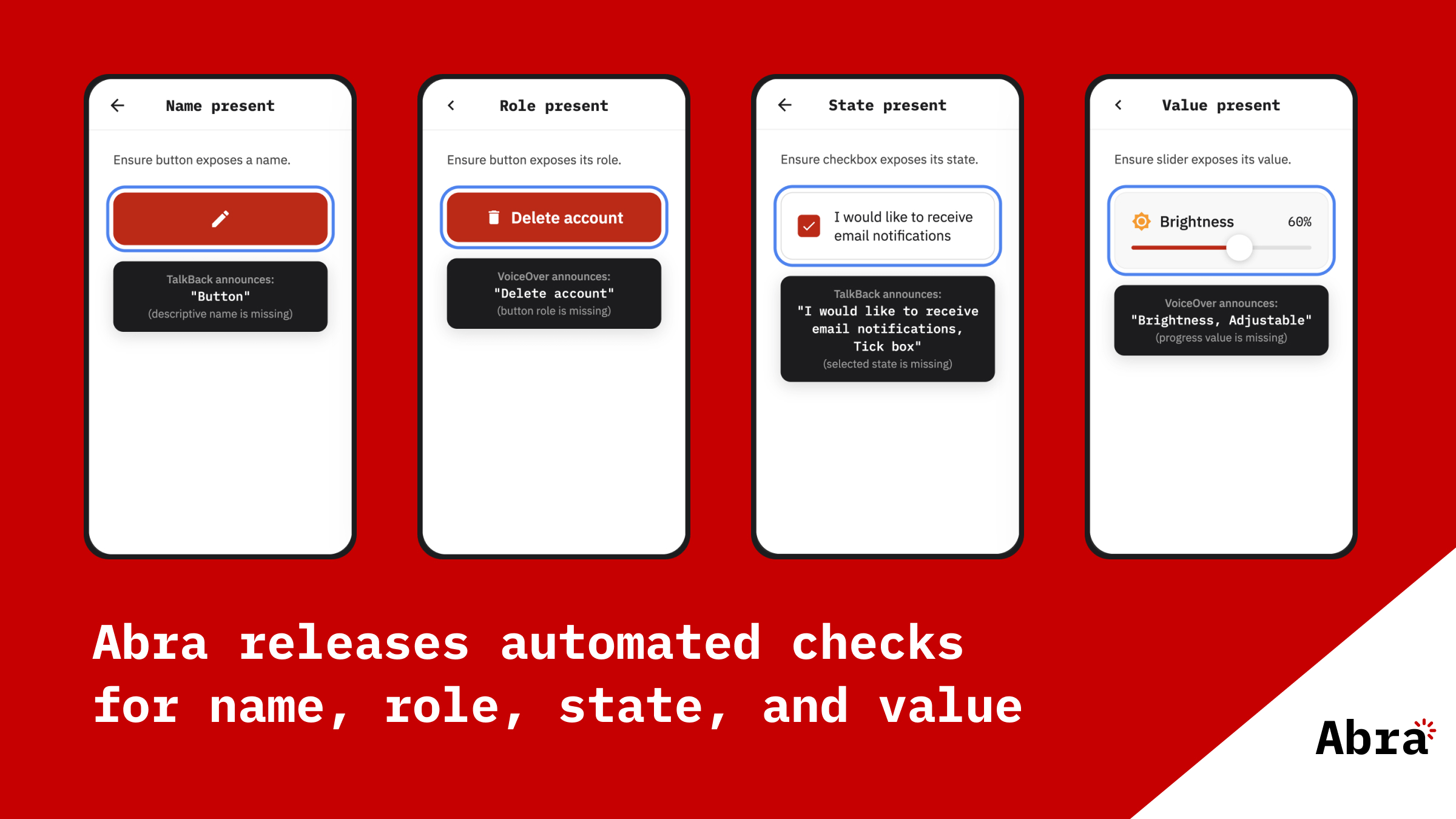
Abra releases automated checks for name, role, state and value
When users navigate an app with a screen reader, every element is announced using a combination of four properties: name, role, state, and value. Read more »
-
The European Accessibility Act: what businesses and app developers need to know
The European accessibility act (EAA) is European-wide legislation designed to ensure digital products and services are accessible to everyone, including people with disabilities. Unlike earlier accessibility directives targeting public sector organisations, the EAA specifically addresses commercial organisations. The EAA applies to products and services. Read more »
-
Key mobile app accessibility resources
Mobile app accessibility can feel overwhelming at first. There are guidelines, laws, platform-specific rules, testing methods, assistive technologies, and countless articles, tools, and opinions. The challenge is not only knowing what accessibility is, but also knowing which resources are truly worth your time. Read more »
-
Practical guide to mobile accessibility testing
If you are a developer, designer, tester, auditor or any other professional already working on accessibility but unsure how to approach mobile accessibility testing by hand, this guide is for you. Read more »
-
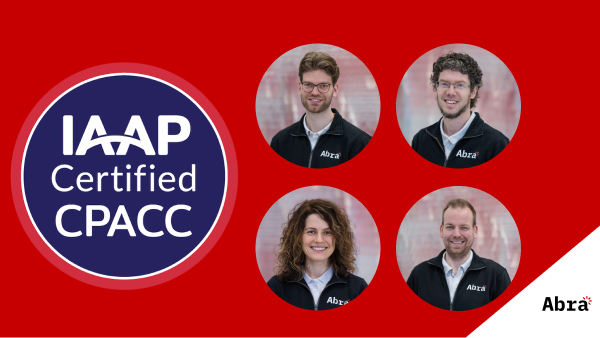
CPACC explained: what it is and how we prepared
Recently, all four of us passed the CPACC exam and obtained our certification. In this article, we share our experience for people who are preparing for CPACC or considering taking the exam. Read more »
-
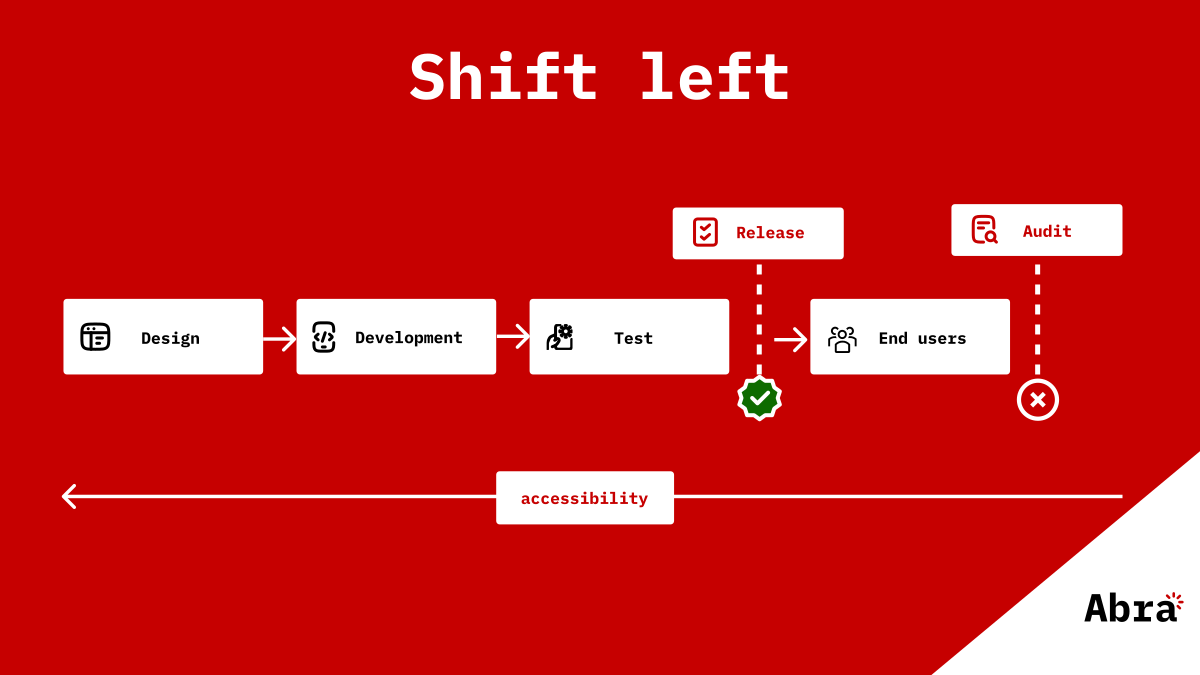
Why accessibility must shift left in mobile development
Accessibility in mobile apps is gradually moving from a niche consideration to a structural requirement. With legislation such as the European Accessibility Act, expectations placed on organisations are changing. Accessibility is no longer only about brand values or corporate responsibility. It is increasingly becoming a legal and organisational obligation. Read more »
-
PDF report generation in Abra Dashboard
Mobile accessibility audits take time. They require expertise, focus, and attention to detail. But finding accessibility issues is only part of the job. In practice, the most inefficient and time-consuming part of an audit is often something else: reporting. Read more »
-
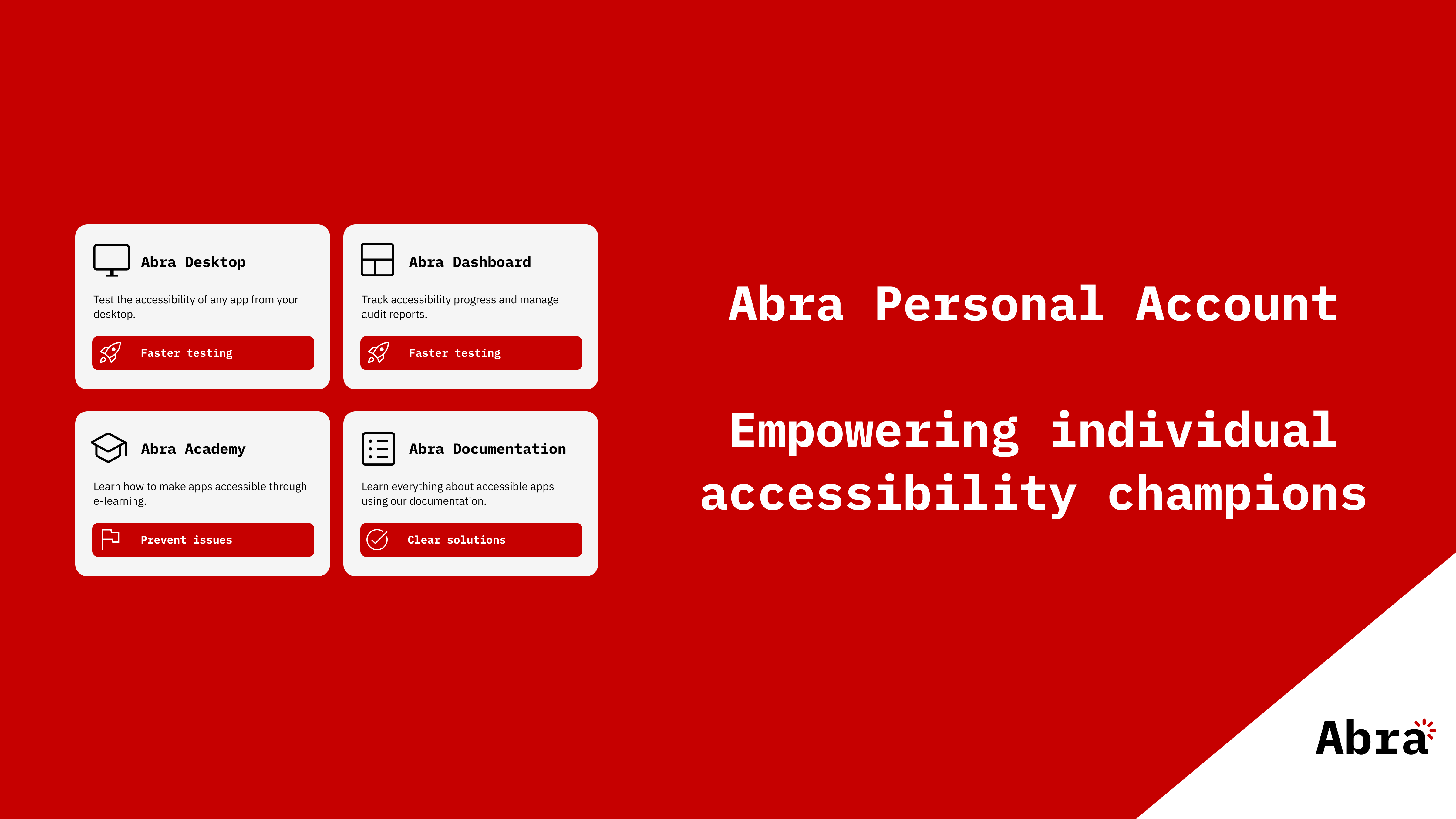
Abra Personal Account
At Abra, we work with large organisations every day. Banks, governments, enterprises with multiple teams and complex apps. But accessibility is not something that should live only inside big organisations. Read more »
-

Free Training Testing Accessibility of Apps
Testing mobile apps for accessibility requires a slightly different approach than testing websites. In this free live session, you’ll learn how to test mobile apps with assistive technologies such as screen readers, external keyboards, and text-scaling — the same tools real users rely on every day. Read more »
-
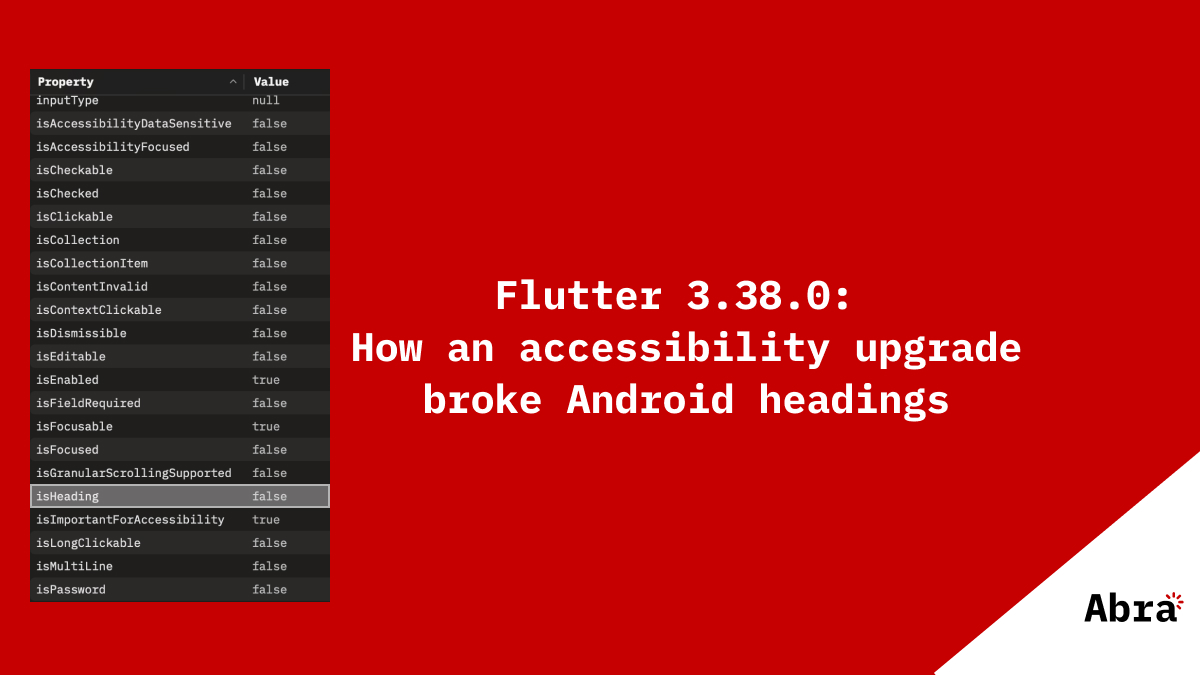
Flutter 3.38.0: How an accessibility upgrade broke Android headings
During a recent re-audit of one of our client's Flutter applications, we discovered something alarming. Headings were no longer being announced as headings by TalkBack on Android. Read more »


